
The Dell PowerVault ML6000 User's Guide provides information and instructions on how to manage and operate the Dell PowerVault ML6000 tape library.
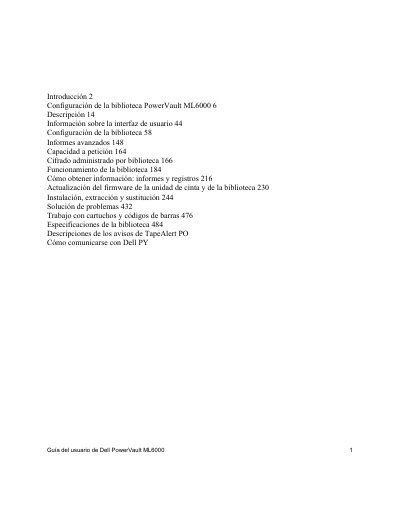
This manual is intended for administrators and users who need to install, configure, and operate the Dell PowerVault ML6000 tape library. It covers essential topics such as library description, user interface information, advanced reporting, capacity on demand, and library encryption. The document also includes instructions for firmware updates, installation, removal, and replacement of components, as well as troubleshooting steps. This manual is written in Spanish.
The product is designed for data storage and recovery using magnetic tapes, and Dell is not responsible for unauthorized applications.
At least two people are required to load the modules safely to avoid serious injuries.
The ground conductor must have a diameter of at least 1.5 mm² (14 AWG).