
Dell™ 1708FP Flat Panel Monitor User's Guide
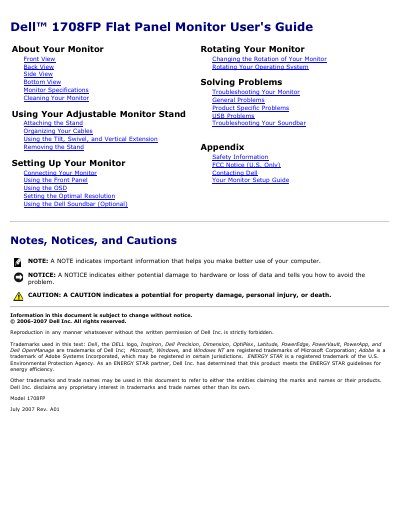
This manual covers the Dell 1708FP Flat Panel Monitor, detailing its front, back, side, and bottom views, as well as specifications for power management, video inputs, and physical dimensions. It includes instructions for attaching the adjustable stand, organizing cables, and using the tilt, swivel, and vertical extension features.
| Screen type | Active matrix - TFT LCD |
|---|---|
| Screen dimensions | 17 inches |
| Viewing angle | 160° (vertical) typ, 160° (horizontal) typ |
| Luminance output | 300 CD/m²(typ) |
| Contrast ratio | 800 to 1 (typ) |
| Response Time | 5ms typical |
| Optimal preset resolution | 1280 x 1024 at 60 Hz |
| Highest preset resolution | 1280 x 1024 at 75 Hz |
| Power Consumption (Normal operation) | 35 W (typical) |
| Power Consumption (Switch off) | Less than 1 W |
The optimal preset resolution is 1280 x 1024 at 60 Hz.
Yes, the monitor supports the optional Dell Soundbar, which can be attached using the mounting brackets on the back.
Do not use benzene, thinner, ammonia, abrasive cleaners, or compressed air on the monitor screen.
The maximum operating altitude is 3,657.6 meters (12,000 feet).