
The Dell Storage NX430 System Getting Started Guide introduces the features and functions of the system. The system supports Windows Storage Server 2016 or 2012 R2 operating system.
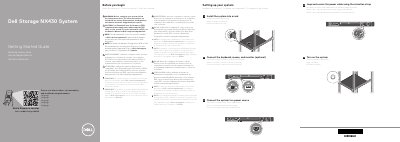
This document serves as a Getting Started Guide for the Dell Storage NX430 system. It outlines the essential steps required to set up the system, including connecting peripherals and power sources, and securing the power cable. The guide also provides default configuration details such as the default password and system naming convention.
| Power rating per PSU | 350 W (Platinum) |
|---|---|
| Intended use voltage | 100–240 V AC |
| Inrush current (max) | 4.8 A–2.4 A |
| System battery type | 3 V CR2032 lithium coin cell |
| Maximum operation ambient temperature | 35°C (95°F) |
| Regulatory model/type | E34S Series/E34S001 |
The default password of the NAS system is Stor@ge!
The system is configured with a default system name of D
The safety instructions are included in the Safety, Environmental, and Regulatory Information document shipped with the system.