
The Dell 1133 is a multifunction printer that can print, copy, scan, and fax. It can print black and white and color documents at speeds up to 30 pages per minute. It can also copy, scan, and fax documents.
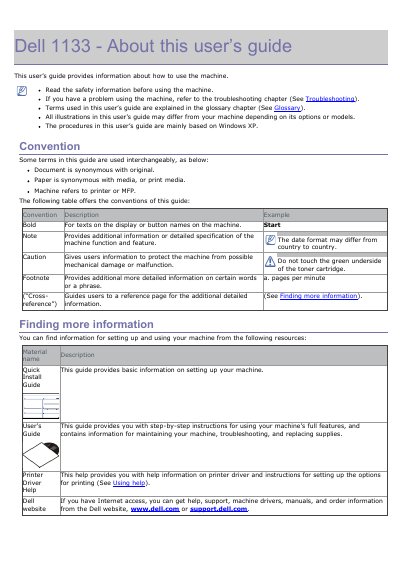
This document serves as the user's guide for the Dell 1133 machine, offering step-by-step instructions for using the device's full features. It covers essential topics such as setting up the machine, loading paper, and managing supplies like toner cartridges. The guide also explains conventions used throughout the text and directs users to additional resources like the Quick Install Guide and Dell website for further support.
You can temporarily improve print quality by thoroughly rolling the cartridge five or six times to distribute the toner evenly inside the cartridge.
To avoid paper jams, ensure that the adjustable guides are positioned correctly, do not overload the tray, and flex, fan, and straighten paper before loading.
This message indicates that the toner cartridge has reached its estimated cartridge life, and the printer stops printing. You must replace the toner cartridge.