
The Dell EMC PowerEdge R540 Getting Started Guide describes the features and characteristics of the product.
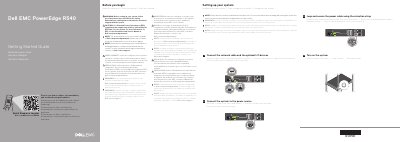
This Getting Started Guide covers the essential steps to set up the Dell PowerEdge R540 server. It instructs users to connect network cables and optional I/O devices, connect the system to a power source, and turn on the system. The guide also emphasizes safety precautions, such as using Extended Power Performance (EPP) compliant power supply units and ensuring the operating system is installed before adding new hardware.
| Maximum ambient temperature | 35°C/95°F |
|---|---|
| System battery type | 3 V CR2032 lithium coin cell |
| Power rating (Platinum AC) | 1100 W |
| Power rating (Bronze AC) | 450 W |
Use Extended Power Performance (EPP) compliant power supply units, indicated by the EPP label.
Ensure that the operating system is installed before installing hardware or software not purchased with the system.