
Dell Latitude E5400 and E5500 Service Manual

The Dell™ Latitude™ E5400 and E5500 Service Manual provides information on how to service and maintain your Dell™ Latitude™ E5400 and E5500 notebook.
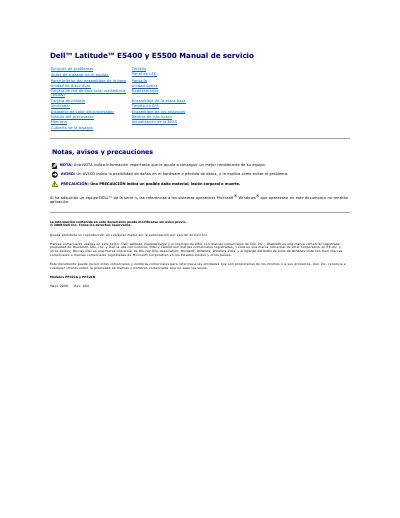

Dell Latitude E5400 and E5500 Service Manual - cover page
Brand
DELL
Category
Laptops
Document type
Service Manual
Language
Spanish
Pages
73
File format
PDF
File size
1.7 MB
Published
20 November, 2023
Updated
20 November, 2023
Models
E5400, E5500
MD5 checksum
9C8A50CE5D69C4F6671051DBA43303BF

About this manual

This document is the Spanish Service Manual for the Dell Latitude E5400 and E5500 laptop series. It provides detailed instructions for technicians on how to safely remove and install various internal components, including the base assembly, keyboard, hard drive, optical drive, and motherboard. The manual emphasizes safety precautions, such as disconnecting power and discharging static electricity, before performing any repairs. This manual is written in Spanish.

What's inside

  • Solución de problemas
  • Teclado
  • Panel de LED
  • Parte inferior del ensamblaje de la base
  • Pantalla
  • Unidad de disco duro
  • Unidad óptica
  • Tarjeta de red de área local inalámbrica (WLAN)
  • Tarjeta de módem
  • Módulo del procesador

Frequently asked questions

What is the procedure to remove the bottom assembly for the E5400 model?

Loosen the five captive screws, lift the hole near the narrow edge, and slide the bottom assembly to the left before lifting it.

What screw size is required to remove the bottom assembly on the E5500 model?

You must remove the single M2,5 x 8 mm screw that holds the bottom assembly in place.

How do you safely discharge the system board before working inside the computer?

Turn the computer over, open the screen, and press the power button to ground the system board.

Download PDF (1.7 MB)

More DELL Manuals


View all DELL manuals →