
The Dell™ Workgroup Laser Printer W5300 User's Manual provides information on how to use the printer, including installing printer drivers, installing memory cards, loading paper, and using the printer.
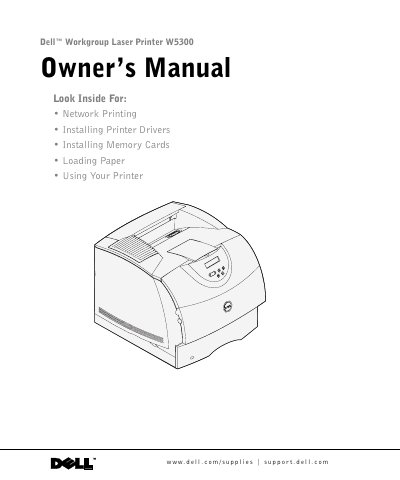
This document serves as the Owner's Manual for the Dell Workgroup Laser Printer W5300. It covers essential topics such as setting up the printer for network and local printing, installing optional memory cards, and loading various paper types including envelopes and transparencies. The guide also details how to use the operator panel to change settings and restore factory defaults.
It is a workgroup laser printer that supports network printing, local printing, and the use of optional components like memory cards and paper trays.
The standard tray holds 500 sheets.
You can order toner cartridges by calling 877-465-2968 in the USA or 877-501-4803 in Canada.