
Dell Inspiron 11 Laptop Service Manual

The Dell Inspiron 11 laptop is a thin and light laptop that features an Intel Core 2 processor, 2GB of memory, and a 160GB hard drive. It also has an 11.6-inch display, a built-in webcam, and Bluetooth connectivity.
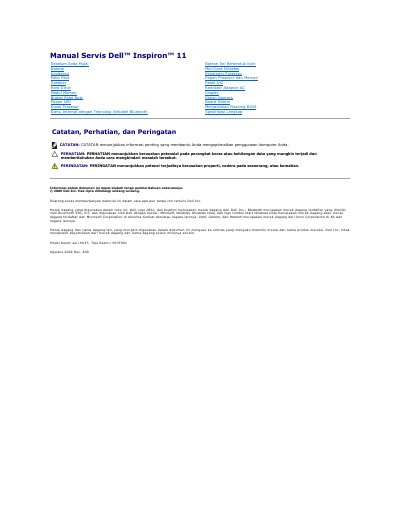

Dell Inspiron 11 Laptop Service Manual - cover page
Brand
DELL
Category
Laptops
Document type
Service Manual
Language
ID
Pages
56
File format
PDF
File size
1.4 MB
Published
20 November, 2023
Updated
20 November, 2023
MD5 checksum
9B6DD48E658D1F91A049CFDB4ACAD239

About this manual

This document is a service manual for the Dell Inspiron 11 laptop. It contains detailed procedures for removing and reinstalling various internal components, including the AC adapter connector, keyboard, palm rest, hard drive, memory modules, and wireless cards (Bluetooth and WLAN/WWAN). The manual also covers safety precautions and the process for updating the BIOS.

What's inside

  • Sebelum Anda Mulai
  • Mematikan Komputer Anda
  • Menjalankan Flashing BIOS
  • Melepaskan Konektor Adaptor AC
  • Memasang Kembali Konektor Adaptor AC
  • Melepaskan Kartu Bluetooth
  • Memasang Kembali Kartu Bluetooth
  • Melepaskan Keyboard
  • Melepaskan Hard Drive
  • Melepaskan Modul Memori

Frequently asked questions

What official model number is listed for this Dell Inspiron 11 laptop?

The manual identifies the official model series as P03T and the official type as P03T001.

What specific tools are recommended for performing the procedures in this service manual?

The recommended equipment includes a small flathead screwdriver, a Phillips screwdriver, and a plastic pry tool.

Download PDF (1.4 MB)

More DELL Manuals


View all DELL manuals →