
This document describes the specifications and features of a Dell computer.
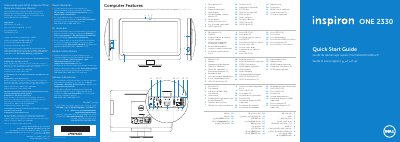
This Dell quick start guide covers the Inspiron One 2330 computer, identified as regulatory model W05C, type W05C001. It lists the computer's features, including microphones, camera, optical drive, volume and display buttons, power button, media-card reader, USB and audio ports, and network port.
The guide provides initial setup steps: connect the power cable, connect the keyboard and mouse, complete Windows setup, and press the power button. It also explains how to locate and record the Service Tag and lists Dell support contacts and Mexican regulatory information.
| Regulatory model | W05C |
|---|---|
| Type | W05C001 |
| Computer model | Inspiron One 2330 |
| Input voltage | 100 to 240 VAC |
| Input frequency | 50 Hz/60 Hz |
| Nominal output current | 2.9 A |
The computer model is Inspiron One 2330.
Go to dell.com/ContactDell or call 800-WWW-DELL (800-999-3355) in the United States.
No, the @ symbol should not be used in the password.