
The Dell™ 2330d/2330dn Laser Printer User's Guide provides information on how to use the Dell™ 2330d/2330dn Laser Printer.
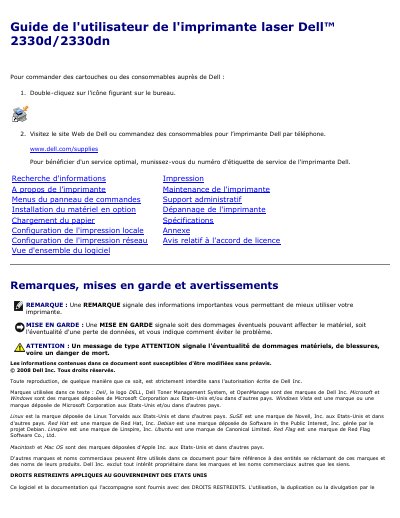
This French-language user guide is for the Dell 2330d/2330dn laser printer. It explains printing tasks such as duplex printing, multiple pages per sheet, booklets, envelopes, transparencies, and letterhead paper, along with paper loading and multifunction tray use.
The guide also covers printer maintenance, control panel menus, optional hardware installation, troubleshooting, specifications, local print configuration, and related setup topics. This manual is written in French.
Turn on the computer and printer, load paper, open the Print dialog, adjust settings, then click OK or Print.
Select Chargeur MF in the paper tray list, choose the paper type, then click OK and print.
On the Layout tab, select Long-edge duplex or Short-edge duplex, then click OK.
Use the Multipage printing (N pages on 1) setting and enter the number of pages per sheet.