
Dell Display Manager is an application that allows you to manually adjust the displayed image, assign automatic options, manage power, organize windows, rotate images, and other functions.
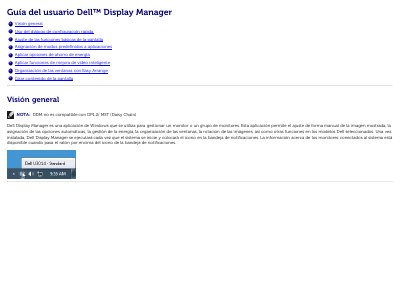
Dell Display Manager is a Windows application designed to manage one or a group of Dell monitors. It allows for manual image adjustment, automatic option configuration, energy management, window organization, and image rotation on selected Dell models. Once installed, the application runs at system startup and displays connected monitor information via the notification tray icon. This manual is written in Spanish.
It is a Windows application used to manage a monitor or group of monitors, including manual image adjustment, automatic options, energy management, window organization, and image rotation on selected Dell models.
Drag the application from the desktop, the Windows Start menu, or anywhere else and drop it into the current list.
When the screensaver is activated, the monitor brightness can be set automatically to the minimum level, or the monitor can be put in sleep mode.
Up to 10 windows can be measured and placed on the desktop to create a custom layout.