
The Dell Precision™ WorkStation 420 Systems User's Guide describes the features and specifications of the Dell Precision™ WorkStation 420 system.
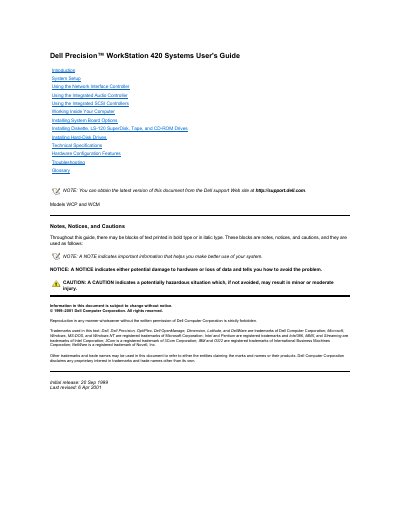
This guide covers Dell Precision WorkStation 420 systems, models WCP and WCM, including system setup, network interface controller, integrated audio controller, integrated SCSI controllers, working inside the computer, installing drives and options, technical specifications, hardware configuration features, troubleshooting, and glossary.
The audio section describes connecting external audio devices to the integrated Crystal SoundFusion CS4614 PCI audio controller, using audio utilities, adjusting volume in Windows 98 or Windows NT 4.0, and reinstalling audio drivers from the Dell Precision ResourceCD. The troubleshooting section begins with basic checks, checking connections and switches, look and listen, System Setup verification, and Dell Diagnostics.
| Models | WCP and WCM |
|---|---|
| Integrated audio controller | Crystal SoundFusion CS4614 PCI |
| Audio compatibility | Sound Blaster Pro-compatible |
| Audio features | Microsoft DirectSound, DirectSound3D, and wavetable synthesis |
| SRS 3D stereo DSP engine | Sound Retrieval System (SRS) 3D stereo DSP engine |
Click the Start button, point to Settings, click Control Panel, double-click the Multimedia icon, click the Audio tab, and move the slide switch for playback or recording to the desired volume.
You can obtain the latest version from the Dell support Web site at http://support.dell.com.
Start with the basic checks, including checking connections and switches, looking and listening, verifying System Setup settings, and running Dell Diagnostics.
See the documentation that came with your Dell Precision ResourceCD.