
The Dell™ OptiPlex™ 760 Technical Guide describes the advanced features of the Dell™ OptiPlex™ 760, including LegacySelect technology control and DASH (Desktop and mobile Architecture for System Hardware).
This technical guide describes advanced management, security, and configuration features for the Dell OptiPlex 760 desktop computer. It covers LegacySelect control, DASH and ASF management, Intel AMT, out-of-band management, and Dell OpenManage applications.
The guide also documents MEBx access, USB-based AMT sizing requirements, supported ASF alerts, and chassis, CPU, cooling, temperature, and low-battery alert conditions. This manual is written in French.
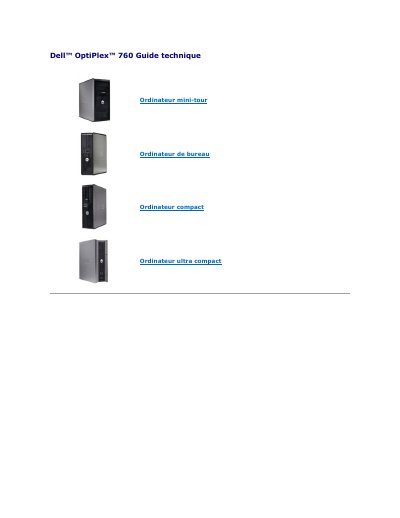
| Supported computer form factors | Mini-tower, desktop, compact, ultra-compact |
|---|---|
| ASF alert support | ASF versions 1.03 and 2.0 |
Press Ctrl+P during startup.
The default password for MEBx is admin.
The key must be FAT16-formatted without system files and contain only setup.bin.
Open MEBx, choose Intel ME Configuration, Intel ME Features Control, Manageability Feature Selection, then choose None.