
Dell Precision M70 Mobile Workstation User's Guide

The Dell Precision™ Mobile Workstation M70 User's Guide provides information on other documentation included with your computer, see "Finding Information".
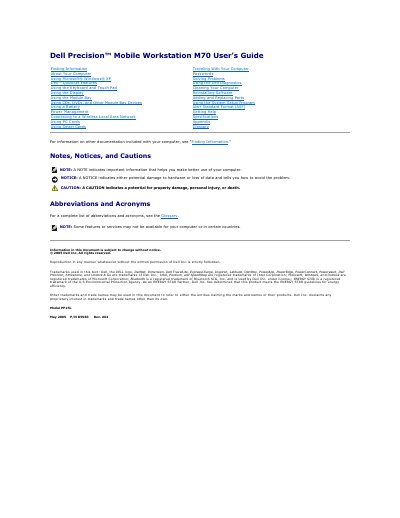

Dell Precision M70 Mobile Workstation User's Guide - cover page
Brand
DELL
Category
Laptops
Document type
User Manual
Language
English
Pages
116
File format
PDF
File size
2.3 MB
Published
20 November, 2023
Updated
20 November, 2023
Model
M70
MD5 checksum
B2A4BAD1FF95EF9063961FC35D22C6D4

About this manual

This document is the User's Guide for the Dell Precision Mobile Workstation M70. It covers essential information about the computer, including its features, specifications, and usage instructions. The guide is designed to help users get started with their new workstation and manage it effectively.

What's inside

  • About Your Computer
  • Using the Keyboard and Touch Pad
  • Using the Display
  • Using the Module Bay
  • Using CDs, DVDs, and Other Module Bay Devices
  • Using a Battery
  • Power Management
  • Connecting to a Wireless Local Area Network
  • Using PC Cards
  • Using Smart Cards

Specifications

Product NameDell Precision Mobile Workstation M70
Model NumberPP15L
Document Part NumberD5983 Rev. A02
Copyright Year2005
Operating SystemMicrosoft Windows XP

Frequently asked questions

What does a solid green light on the device status lights indicate?

A solid green light indicates that the battery is charging.

What does a flashing orange light on the device status lights indicate?

A flashing orange light indicates that the battery charge is low.

How do you enable or disable wireless networking?

You can enable or disable wireless networking by pressing the key combination.

Download PDF (2.3 MB)

More DELL Manuals


View all DELL manuals →