
The Dell computer user manual introduces the setup and operation methods of the Dell computer.
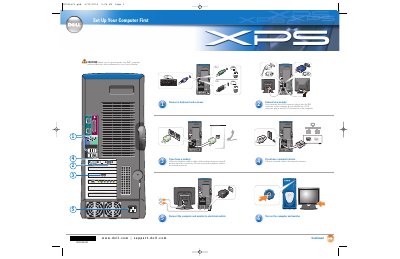
This document provides initial setup instructions for a Dell Dimension computer. It covers connecting essential peripherals such as keyboards, mice, monitors, and network devices, as well as connecting the power supply.
You must read and follow the safety instructions in your Owner's Manual before setting up and operating the computer.
There are two USB 2.0 connectors on the front of the computer.
There are six USB 2.0 connectors on the back of the computer.