
The Dell Precision™ Mobile Workstation M4400 Service Manual provides detailed information about the computer, including specifications, troubleshooting, and repair instructions.
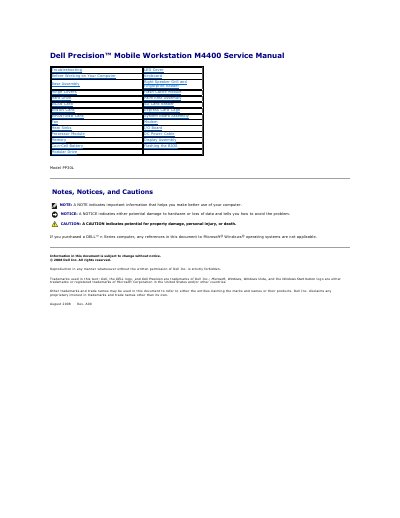
This Dell Precision M4400 service manual provides removal and replacement procedures for components such as the base assembly, keyboard, hard drive, memory, display assembly, system board, processor module, and modular drive. It also covers battery removal and replacement, safety precautions, recommended tools, and BIOS flashing.
The manual assumes the original component has already been removed when replacing a part and that only a certified service technician performs repairs. It includes cautions, notices, and notes for avoiding damage during service.
The procedures may require a small flat-blade screwdriver, a Phillips #0 screwdriver, a small plastic scribe, and a Flash BIOS update.
Only a certified service technician should perform repairs on the computer.
Ground yourself by using a wrist grounding strap or by periodically touching an unpainted metal surface.
Shut down the computer and disconnect it and all attached devices from their electrical outlets.