
Dell Latitude 12 7000 Series Quick Start Guide
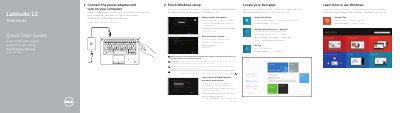
This quick start guide helps you connect the power adapter, finish Windows setup, locate Dell apps, register the device, and connect to a network. It also covers optional Dell Backup and Recovery, Windows help, security, and updates.
The guide identifies the laptop's external features and ports, including USB 3.0, HDMI, Mini DisplayPort, and optional smart-card and fingerprint readers. Support, manuals, and regulatory information are listed at the end.
| Computer model | Latitude 7250/E7250 |
|---|---|
| USB 3.0 connector with PowerShare | Included |
| HDMI connector | Included |
| Memory card reader | Included |
| Fingerprint reader | Optional |
Enter the password for the wireless network access when prompted.
Visit dell.com/support and dell.com/support/manuals.
No, it is optional.
The computer model is Latitude 7250/E7250.