
The Dell Vostro 3578 Quick Start Guide introduces the features and functions of the product.
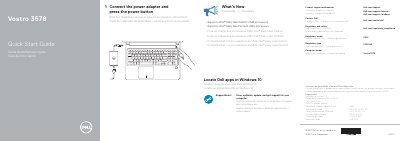
This document serves as a Quick Start Guide for the Dell Vostro 3578 laptop. It outlines the initial steps for setting up the device, such as connecting the power adapter and pressing the power button to turn it on. The guide also explains how to locate Dell applications within the Windows 10 operating system.
| Regulatory Model | P63F |
|---|---|
| Regulatory Type | P63F002 |
| Input Voltage | 100 V AC–240 V AC |
| Input Current (Max) | 1.3 A/1.6 A/1.7 A |
| Input Frequency | 50 Hz–60 Hz |
| Output Current | 2.31 A/3.34 A |
| Output Voltage | 19.5 V DC |
| Processor Support | Intel Kaby Lake Celeron/Pentium UMA |
Connect the power adapter and press the power button.
The regulatory model number is P63F.