
The Dell™ OptiPlex™ 780 Small Form Factor Service Manual provides information on how to operate and maintain the Dell™ OptiPlex™ 780 Small Form Factor.
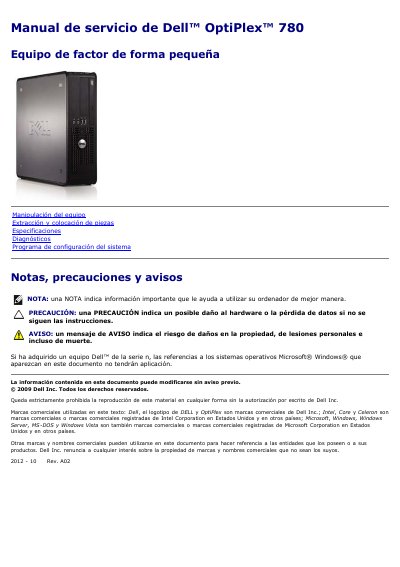
This is the Spanish-language service manual for the Dell OptiPlex 780 small form factor desktop. It covers safe handling, removal and installation of components such as the cover, memory, drives, expansion cards, power supply, I/O panel, battery, heat sink and processor, and system board, plus specifications, diagnostics, and the system setup program.
The specifications section lists supported Intel processors, DDR3 memory configurations, integrated graphics and audio, network, chipset, expansion buses and speeds, card and drive bays, external and board connectors, and physical and environmental details. Recommended tools and shutdown steps are also included. This manual is written in Spanish.
| Processor (Intel Core 2 Duo) | FSB up to 1333 MHz |
|---|---|
| Processor (Intel Core 2 Quad) | FSB up to 1333 MHz |
| Processor (Intel Pentium Dual Core) | FSB up to 1066 MHz |
| Processor (Intel Celeron) | FSB up to 800 MHz |
| Memory type | SDRAM DDR3 (non-ECC only) |
| Memory speed | 1067 MHz |
| Memory connectors | Four |
| Memory capacity per module | 1 GB, 2 GB, or 4 GB (non-ECC) |
| Minimum memory | 1 GB |
| Maximum memory | 16 GB |
| Integrated video | Intel Graphics Media Accelerator X4500 |
| Shared video memory | Up to 256 MB |
| Audio | Intel High Definition Audio |
| Chipset | Intel Q45 Express with ICH10DO |
| DMA channels | Eight |
| Interrupt levels | 24 |
| BIOS chip | 64 Mb NVRAM |
| PCI bus speed | 133 MB/s |
| PCI Express x1 speed | 250 MB/s bidirectional |
| PCI Express x16 speed | 8 GB/s bidirectional |
| SATA speed | 1.5 Gbps and 3 Gbps |
| eSATA speed | 3 Gbps |
| USB speed | 480 Mbps |
| Front USB connectors | 2 |
| Rear USB connectors | 6 |
The specifications list a maximum of 16 GB of non-ECC DDR3 SDRAM.
The manual lists a small flat-blade screwdriver, Phillips screwdriver, plastic scribe, and a BIOS flash update CD.
Save and close open files, exit programs, shut down through the operating system, and hold the power button for about 6 seconds if it does not turn off automatically.
Run Dell Diagnostics to verify that the computer is working correctly.