
Dell Vostro Series Laptop Service Manual

Manual for Dell Vostro series laptops.
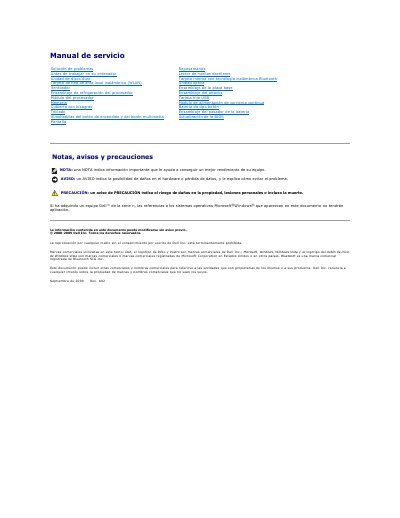

Dell Vostro Series Laptop Service Manual - cover page
Brand
DELL
Category
Laptops
Document type
Service Manual
Language
Spanish
Pages
65
File format
PDF
File size
1.6 MB
Published
20 November, 2023
Updated
20 November, 2023
MD5 checksum
7B4C4B6770968F18E1313A4AF37ECEBD

About this manual

This document is a service manual for Dell Vostro Series laptops, providing instructions for technicians on hardware maintenance and repair. It details the procedures for removing and installing various components, including the hard drive, wireless LAN card, Bluetooth module, keyboard, and display assembly. The manual also includes safety warnings and recommended tools for these procedures. This manual is written in Spanish.

What's inside

  • Antes de trabajar en su ordenador
  • Herramientas recomendadas
  • Advertencias de seguridad
  • Actualización de la BIOS
  • Tarjeta interna con tecnología inalámbrica Bluetooth
  • Extracción de componentes
  • Colocación de componentes

Frequently asked questions

What battery should be used with this computer?

Use only the battery designed specifically for this Dell computer; do not use batteries designed for other Dell computers.

What should be done before making repairs to the system board?

Remove the battery from its compartment before performing repairs.

What should be done to avoid electrostatic discharge?

Touch ground using a grounding wrist strap or periodically touch an unpainted metal surface.

What flat-blade tool is recommended for the procedures?

A small flat-blade screwdriver is recommended.

Download PDF (1.6 MB)

More DELL Manuals


View all DELL manuals →