
Dell 500 Service Manual

The Dell™ 500 Service Manual provides information on how to use and maintain the Dell™ 500 laptop.
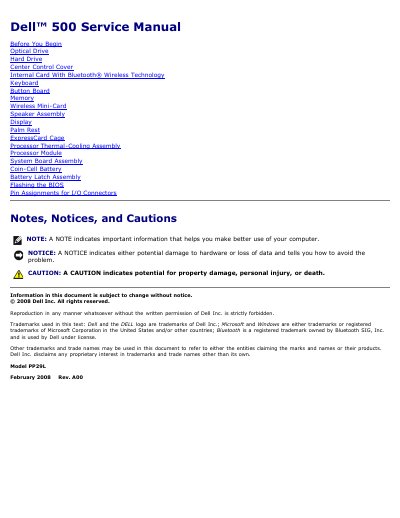

Dell 500 Service Manual - cover page
Brand
DELL
Category
Desktops
Document type
Service Manual
Language
English
Pages
54
File format
PDF
File size
1.4 MB
Published
20 November, 2023
Updated
20 November, 2023
MD5 checksum
67E7E8C843119A43FE5899B86032420D

About this manual

This document serves as a service manual for the Dell 500 computer, detailing procedures for the removal and installation of internal components. It covers safety precautions, recommended tools, and specific steps for accessing and replacing parts such as the optical drive, hard drive, center control cover, and keyboard.

What's inside

  • Before You Begin
  • Optical Drive
  • Hard Drive
  • Center Control Cover
  • Internal Card With Bluetooth Wireless Technology
  • System Board Assembly
  • Processor Module
  • Memory

Frequently asked questions

What tools may be needed for the procedures in this manual?

A small flat-blade screwdriver, a Phillips screwdriver, a small plastic scribe, and Flash BIOS update media.

What must be removed before servicing the computer?

The battery must be removed from the battery bay before servicing the computer.

How many screws secure the hard drive?

Two screws secure the hard drive.

How is the optical drive released from its bay?

Push the notch to release the optical drive from the bay, then slide it out.

Download PDF (1.4 MB)

More DELL Manuals


View all DELL manuals →