
The Dell Wyse Cloud Client Wyse 3010 Quick Start Guide introduces the features and benefits of the Dell Wyse Cloud Client Wyse 3010.
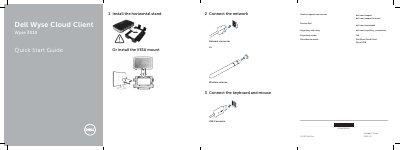
This document is a Quick Start Guide for the Dell Wyse Cloud Client Wyse 3010. It details the initial setup process, including connecting the keyboard and mouse, establishing a network connection via cable or wireless antenna, and attaching the display using either the DVI-I connector or a VGA adapter. The guide also covers installing the horizontal stand or VESA mount.
| Network port speed | 10/100/1000 Base-T |
|---|---|
| Power input | +12V DC |
| USB ports | 2 USB 2.0 ports |
| Video outputs | 1x DVI-D/1x VGA |
| Audio inputs | Microphone in, Headphone out |
Connect the keyboard and mouse to the 3 USB Connector on the device.
Connect the display using the DVI-I connector or a VGA adapter.
The device is ready when the client device activity light goes off.