
The Dell™ Inspiron™ 910 Service Manual provides information on how to remove and install components in your computer.
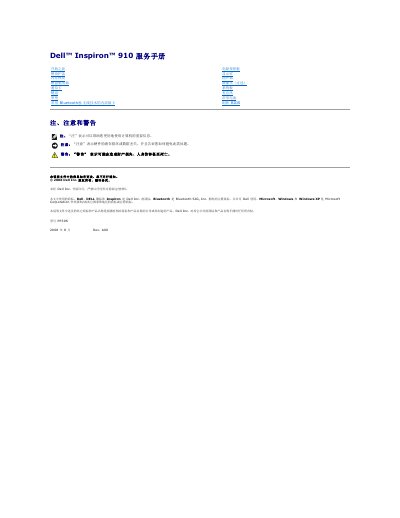
This Dell service manual provides disassembly and installation instructions for the Inspiron 910 (model PP39S), including the module cover, memory module, hard drive, communication card, keyboard, palm rest, display, and other components.
It also includes safety warnings, pre-service steps such as turning off the computer and removing the battery, recommended tools, and guidance for flashing the BIOS using a CD or hard drive under Windows XP or Ubuntu. This manual is written in Chinese.
Save and close all open files, exit all open programs, and shut down the operating system.
Insert the BIOS update CD, restart the computer, and follow the on-screen instructions.
Use a grounding wrist strap or touch an unpainted metal surface on the computer to discharge static electricity.