
The Dell™ OptiPlex™ 755 User's Guide provides information on the features and functions of the computer.
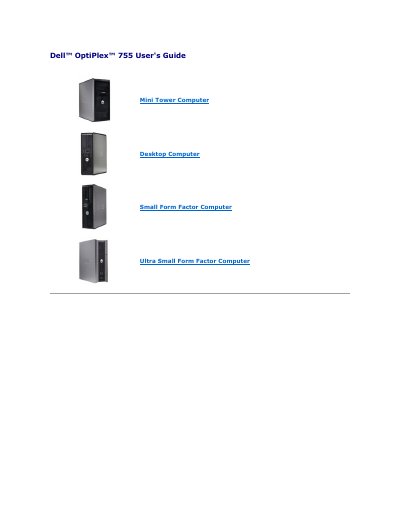
This document serves as the User's Guide for the Dell OptiPlex 755 series, covering Mini Tower, Desktop, Small Form Factor, and Ultra Small Form Factor configurations. It details advanced features such as LegacySelect technology for controlling legacy connectors and media devices, and the DASH architecture for standardizing manageability interfaces.
The guide focuses heavily on manageability features, specifically Intel Active Management Technology (iAMT) and Alert Standard Format (ASF), allowing administrators to manage systems remotely regardless of their power or operating state. It also covers physical security options like Chassis Intrusion Detection and methods for securing the system using padlock rings and security cables.
admin.
Using the FAT16 file system with no system files.
On-Silent.
2.2 V or lower.