
Dell Studio XPS 1640 Service Manual

The Dell™ Studio XPS™ 1640 Service Manual provides information on how to disassemble and replace various components in the laptop.
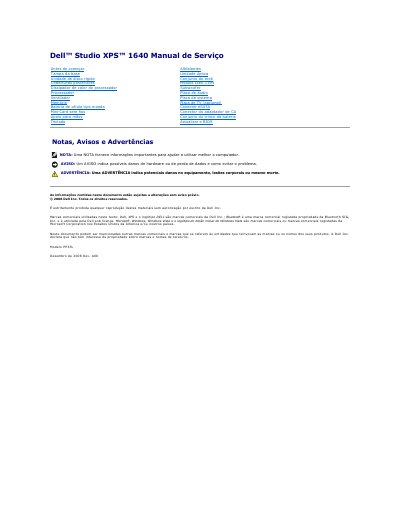

Dell Studio XPS 1640 Service Manual - cover page
Brand
DELL
Category
Laptops
Document type
Service Manual
Language
Portuguese
Pages
44
File format
PDF
File size
1.2 MB
Published
19 November, 2023
Updated
19 November, 2023
MD5 checksum
FFEB92B009A52175A63269978B9F284D

About this manual

This document is the Service Manual for the Dell Studio XPS 1640 notebook computer, model PP35L. It provides detailed instructions for qualified technicians on how to safely remove and replace various internal components. The manual covers safety precautions, including the removal of the main battery and the use of anti-static wrist straps, before beginning any internal work. This manual is written in Portuguese.

What's inside

  • Antes de começar
  • Tampa da base
  • Unidade de disco rígido
  • Coberturas posteriores
  • Processador
  • Ventilador
  • Memória
  • Bateria de célula tipo moeda
  • Módulo IEEE 1394
  • Placa de sistema

Frequently asked questions

How many screws are required to secure the base cover?

You must tighten ten integrated screws to secure the base cover.

What safety step is required before removing the main battery?

You must disconnect the AC adapter from the electrical outlet before removing the main battery.

Who is authorized to perform repairs on this computer?

Only a qualified and specialized technician should perform repairs on the computer.

Download PDF (1.2 MB)

More DELL Manuals


View all DELL manuals →