
The Dell™ Latitude™ D610 Service Manual provides information on how to use and maintain the Dell™ Latitude™ D610 notebook computer.
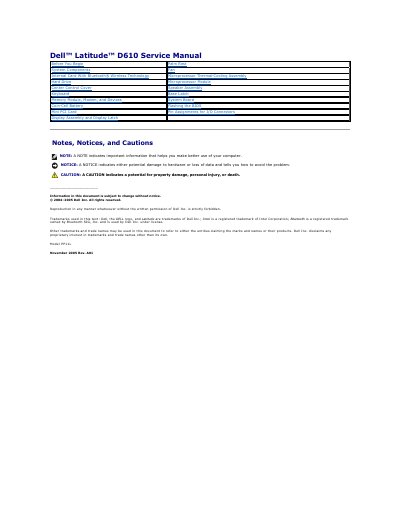
This Dell service manual covers the Latitude D610 computer and provides maintenance and repair procedures for technicians. It includes safety notices, recommended tools, and step-by-step instructions for preparing to work inside the computer.
Sections cover removing and installing components such as the Bluetooth card, coin-cell battery, microprocessor module, memory, modem, display assembly, and other system parts, plus BIOS flashing and pin assignments for I/O connectors.
| Model | PP11L |
|---|
The required tools are a #1 Phillips screwdriver, a 1/4-inch flat-blade screwdriver, a small plastic scribe, and a Flash BIOS update program floppy or CD.
Insert the BIOS update program floppy or CD, turn on the computer, and follow the on-screen instructions.
Only a certified service technician should perform repairs on the computer.
Discharge static electricity by touching an unpainted metal surface.