
The Dell™ Studio XPS™ 8100 Service Manual provides information on how to use and maintain your Dell™ Studio XPS™ 8100 computer.
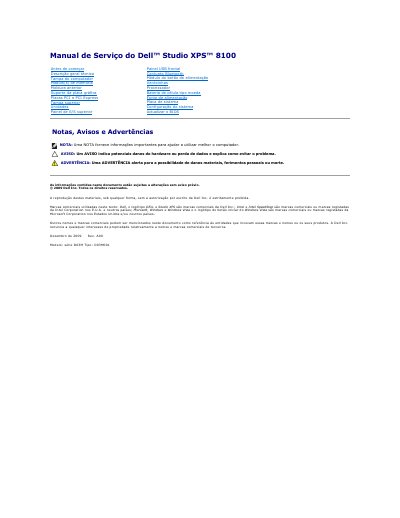
This Dell Studio XPS 8100 service manual covers the D03M series, type D03M001 desktop computer and provides removal and installation procedures for its internal components. It is dated December 2009, revision A00, and assumes the user has completed shutdown and safety steps before beginning any procedure.
Procedures cover removing and replacing parts such as the front bezel and Bluetooth module, with warnings about electrostatic discharge and the requirement that only qualified technicians perform repairs. The manual also explains how to shut down the computer under Windows Vista or Windows 7 and how to update the BIOS through support.dell.com. This manual is written in Portuguese.
| Model series | D03M |
|---|---|
| Type | D03M001 |
| Memory card reader | 19-in-1 |
Only a qualified and specialized technician should perform repairs; unauthorized Dell interventions are not covered by the warranty.
Save and close all open files, exit programs, then click Start and Shut down in Windows 7.
Read the safety information provided with the computer before working inside it.