
The Alienware M14x Service Manual provides information on how to service and maintain the Alienware M14x laptop. The manual includes information on safety precautions, removing and replacing parts, and troubleshooting.
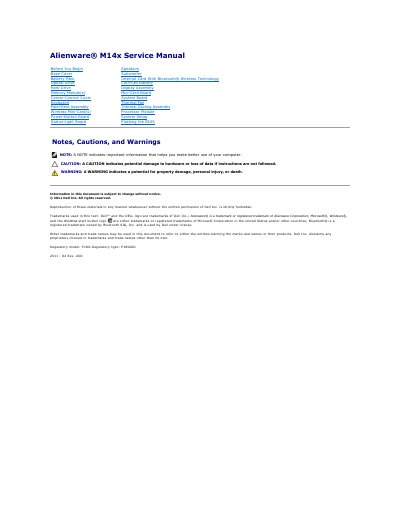
This service manual provides procedures for removing and installing components in the Alienware M14x laptop, including the battery pack, base cover, memory, keyboard, display assembly, and system board. It contains notes, cautions, and warnings to help technicians avoid hardware damage or personal injury.
The document also covers system setup and the BIOS Setup Utility, including entering setup by pressing F2, viewing system information, and flashing the BIOS. It identifies the regulatory model as P18G and is copyrighted by Dell Inc. in 2011.
| Regulatory model | P18G |
|---|---|
| Regulatory type | P18G001 |
Turn on or restart the laptop and press F2 immediately before the operating system logo appears.
Only a certified service technician should perform repairs; damage from unauthorized service is not covered by the warranty.
The regulatory model is P18G.