
Dell™ OptiPlex™ 760 Micro Tower Desktop, Desktop, Small Form Factor Desktop, and Ultra Small Form Factor Desktop Service Manual
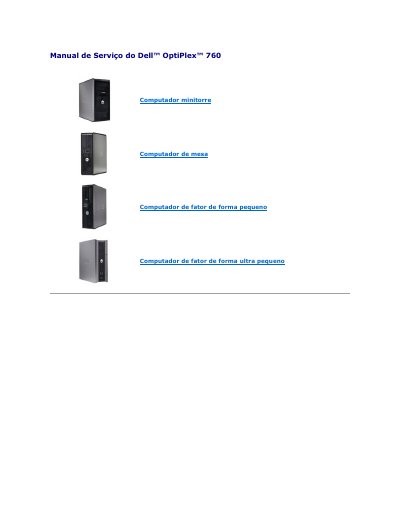
This service manual covers the Dell OptiPlex 760 computer in its minitower, desktop, small form factor, and ultra small form factor configurations. It describes the system's advanced manageability features, including LegacySelect technology control, DASH compliance, and Intel Active Management Technology (iAMT).
The manual explains how to configure and disable iAMT through the Management Engine BIOS Extension (MEBx), provision AMT using a USB key, and use the Alert Standard Format (ASF) for pre-operating-system and out-of-band alerting. It also covers Dell OpenManage applications such as IT Assistant, Dell OpenManage Client Instrumentation, and Dell Client Manager (DCM). This manual is written in Portuguese.
| ASF supported versions | 1.03 and 2.0 |
|---|---|
| Default MEBx password | admin |
| USB provisioning file system | FAT16 without system files |
| USB provisioning file | setup.bin only |
| Low battery alert threshold | 2.2 V or lower |
Press Ctrl+P during the computer's boot process to view the MEBx configuration screen. The default password is admin.
The USB key must be formatted using the FAT16 file system without system files and contain only the setup.bin file. It should not be bootable.
The computer supports DASH management profiles including desktop base, power state management, boot control, CPU, memory, fan, power supply, sensor, physical asset, and software inventory, as well as ASF alerts and Dell OpenManage applications.