
Dell Studio 1745/1747 Service Manual

The Dell Studio™ 1745/1747 Service Manual provides information on how to use and maintain your Dell Studio™ 1745/1747 laptop.
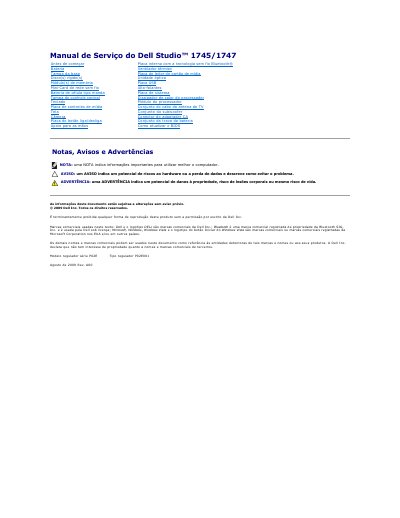

Dell Studio 1745/1747 Service Manual - cover page
Brand
DELL
Category
Laptops
Document type
Service Manual
Language
Portuguese
Pages
61
File format
PDF
File size
1.7 MB
Published
19 November, 2023
Updated
19 November, 2023
MD5 checksum
2C8EBE389AC43E034521D7FD4AD32CE4

About this manual

This service manual covers the removal and installation procedures for various components of the Dell Studio 1745/1747 laptop. It includes detailed steps for accessing internal parts such as the base cover, battery latch assembly, hard drive, memory modules, and wireless network card. The document also outlines safety precautions and recommended tools required for maintenance tasks. This manual is written in Portuguese.

What's inside

  • Antes de começar
  • Ferramentas recomendadas
  • Como desligar o computador
  • Como remover o conector do adaptador CA
  • Como recolocar o conector do adaptador CA
  • Como remover a tampa da base
  • Como recolocar a tampa da base
  • Como remover o conjunto da trava da bateria
  • Como recolocar o conjunto da trava da bateria

Frequently asked questions

How many screws secure the base cover to the computer base?

Six screws secure the base cover to the computer base.

What must be removed before working inside the computer to help prevent damage to the system board?

The main battery must be removed before working inside the computer.

How many screws secure the battery latch assembly to the computer base?

Three screws secure the battery latch assembly to the computer base.

What is the regulatory model series listed for this computer?

The regulatory model series is P02E.

Download PDF (1.7 MB)

More DELL Manuals


View all DELL manuals →