
Dell Precision M4500 Mobile Workstation Service Manual

The Dell™ Precision™ M4500 Mobile Workstation Service Manual provides information on how to use and maintain your Dell™ Precision™ M4500 Mobile Workstation.
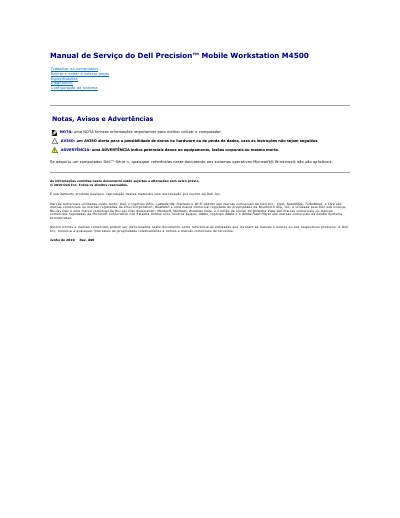

Dell Precision M4500 Mobile Workstation Service Manual - cover page
Brand
DELL
Category
Laptops
Document type
Service Manual
Language
Portuguese
Pages
55
File format
PDF
File size
991 KB
Published
19 November, 2023
Updated
19 November, 2023
MD5 checksum
E9E708611E70A06A08DCADA998A51EB6

About this manual

This Dell service manual provides maintenance and repair instructions for the Dell Precision M4500 Mobile Workstation. It is written in Portuguese and covers procedures for working inside the computer and removing or replacing components.

Topics include the access panel, battery, base structure, and system setup, along with system information menus, boot sequence options, and security settings.

What's inside

  • Access Panel
  • Battery
  • Base Structure
  • System Setup
  • System Information
  • Memory Information
  • Processor Information
  • Device Information
  • Battery Information
  • Boot Sequence

Frequently asked questions

How do I access System Setup?

Turn on or restart the computer and press immediately when the blue DELL logo appears.

How do I access the Boot Menu?

Turn on or restart the computer and press immediately when the blue DELL logo appears.

What does a WARNING indicate?

A WARNING indicates potential equipment damage, bodily injury, or even death.

Download PDF (991 KB)

More DELL Manuals


View all DELL manuals →