
The Dell™ Inspiron™ 620 Service Manual provides information on how to use and maintain your Dell™ Inspiron™ 620 laptop.
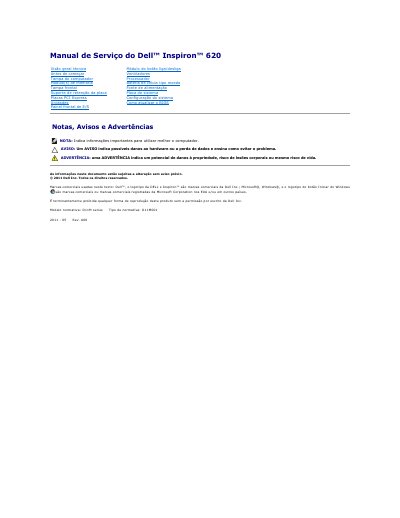
This Dell Inspiron 620 service manual is written in Portuguese and describes procedures for removing and installing computer components. It includes sections such as technical overview, before you begin, computer cover, memory modules, front cover, board retention bracket, PCI Express cards, drives, front I/O panel, power button module, fans, processor, coin-cell battery, power supply, system board, system configuration, and BIOS update.
The manual also lists recommended tools, shutdown steps, and safety instructions. It states that technical specifications are available in the Configuration Guide at support.dell.com/manuals and that only an authorized technician should repair the computer.
Turn on the computer, download the latest BIOS update file from support.dell.com, save it to the desktop, then double-click the file icon and follow the on-screen instructions.
The manual directs readers to the Configuration Guide at support.dell.com/manuals.
Follow the safety instructions, shut down the computer and connected devices, disconnect cables and power, remove media cards, and ground the system board by pressing and holding the power button.