
Dell Inspiron 518/519 Desktop Service Manual

The Dell™ Inspiron™ 518/519 Service Manual provides information on how to remove and replace computer components.
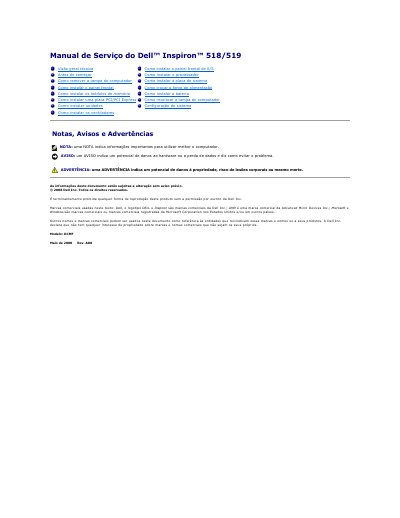

Dell Inspiron 518/519 Desktop Service Manual - cover page
Brand
DELL
Category
Desktops
Document type
Service Manual
Language
Portuguese
Pages
41
File format
PDF
File size
1.3 MB
Published
19 November, 2023
Updated
19 November, 2023
MD5 checksum
694ABE701A94DF207DA31BE79A637E92

About this manual

This Dell service manual provides service procedures for the Inspiron 518/519 desktop computer. It includes safety instructions, steps to turn off the computer, and guidance for removing and installing internal components.

Topics covered include removing the computer cover, installing the front panel, memory modules, PCI/PCI Express cards, drives, fans, I/O front panel, processor, system board, power supply, and battery, followed by system setup. This manual is written in Portuguese.

What's inside

  • Before You Begin
  • How to Remove the Computer Cover
  • How to Install the Front Panel
  • How to Install Memory Modules
  • How to Install a PCI/PCI Express Card
  • How to Install Drives
  • How to Install the Fans
  • How to Install the Processor
  • How to Replace the Power Supply
  • System Setup

Frequently asked questions

What tools are required for the service procedures?

A small Phillips size 2 screwdriver is required.

Who is authorized to perform repairs on the computer?

Only an authorized technician should perform repairs.

How do you shut down the computer if it does not turn off automatically?

Press and hold the power button for about 4 seconds.

Download PDF (1.3 MB)

More DELL Manuals


View all DELL manuals →