
Dell Latitude 7390 2-in-1 Quick Start Guide
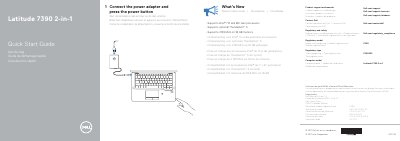
This Quick Start Guide covers the Dell Latitude 7390 2-in-1 laptop. It explains how to connect the power adapter and press the power button, and lists product support and manuals at Dell.com/support.
The document also provides regulatory and safety information, identifies the computer as regulatory model P29S, and describes supported features such as Intel® 7th and 8th Gen processors, optional Thunderbolt™ 3, and 2133 MHz memory on 16 GB configurations.
| Processor support | Intel® 7th and 8th Gen processors |
|---|---|
| Thunderbolt 3 support | Optional |
| Memory speed | 2133 MHz on 16 GB memory |
It supports Intel® 7th and 8th Gen processors.
Yes, it supports optional Thunderbolt™ 3.
Product support and manuals are available at Dell.com/support and Dell.com/support/manuals.