
The Dell™ Vostro™ 460 Service Manual provides information on how to use and maintain the computer.
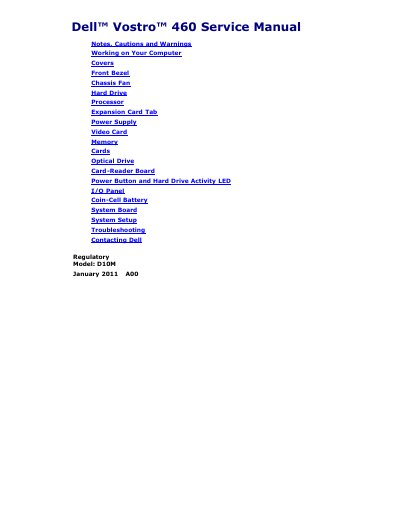
Dell Vostro 460 Service Manual is a service document for the Dell Vostro 460 computer. It covers safety notes, cautions, and warnings, plus preparation and precautions for working inside the computer.
Topics include removing and installing covers, bezel, chassis fan, hard drive, processor, expansion card holder, power supply, and other components, along with system setup, troubleshooting system messages, and contacting Dell.
A CAUTION indicates potential damage to hardware or loss of data if instructions are not followed.
A WARNING indicates a potential for property damage, personal injury, or death.
Visit support.dell.com, verify your country or region, click Contact Us, select the appropriate service or support link, and choose a contact method.
Disconnect the USB device; it needs more power, so use an external power source or connect both of its USB cables if it has two.