
The Dell™ Inspiron™ N7010 laptop is a high-performance laptop with the following features: - Intel Core i5 processor - 15.6-inch HD display - 500GB hard drive - 4GB memory - DVD burner - Wireless network card - Bluetooth - HDMI port - USB 3.0 port
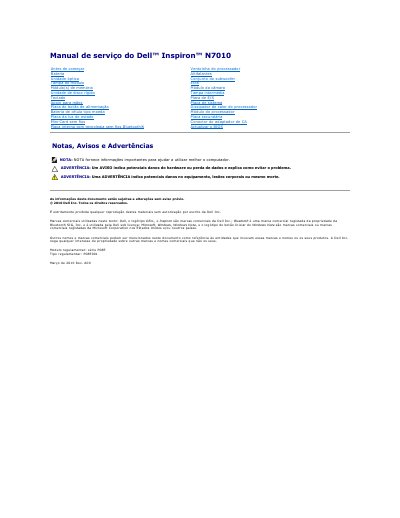
This document is the Service Manual for the Dell Inspiron N7010 laptop, specifically the P08E001 regulatory model. It provides detailed instructions for qualified technicians on how to safely remove and replace internal components such as the battery, hard drive, optical drive, and system board. The manual emphasizes safety precautions, including the requirement to remove the battery before working inside the computer to prevent electrostatic discharge and hardware damage. It also outlines the necessary tools, such as a small flathead screwdriver and a Phillips screwdriver, and directs users to Dell's support website for BIOS updates. This manual is written in Portuguese.
The recommended tools include a small flathead screwdriver, a Phillips screwdriver, a pointed plastic instrument, and an executable BIOS update program.