
This document is the instruction manual for ITCARD's Planet Cash, Planet Pay and Planet Plus 3 payment applications for the Verifone VX675 terminal.
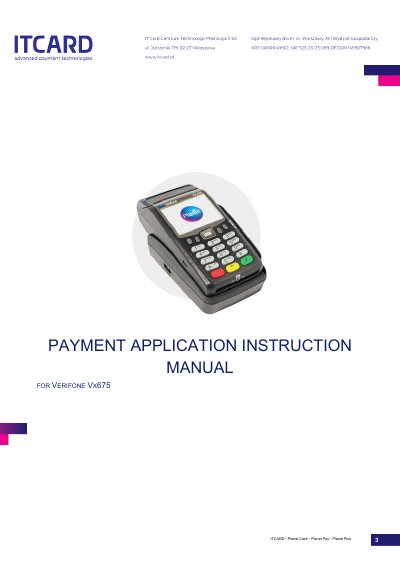
This document serves as an instruction manual for the ITCARD Planet Cash, Planet Pay, and Planet Plus 3 payment applications running on the Verifone VX675 terminal. It details the terminal's technical specifications, physical description, and operational procedures for preparing the device for work, including power connection and paper roll replacement.
The guide covers the full lifecycle of payment operations, starting with the activation of the application and the interpretation of screen icons. It provides step-by-step instructions for standard transaction procedures, including sales, cash back, cancellations, and preauthorizations. Additionally, it outlines administration functions such as settlement, reporting, application updates, and diagnostics.
| Display | Colour LCD, resolution 320 × 240, backlit |
|---|---|
| Card reader | magnetic strip reader electronic card reader proximity card reader |
| Printer | thermal, paper roll width 57 mm , max. diameter 40 mm |
| Dimensions | 163 mm x 78 mm x 52 mm |
| Weight without paper roll | 336 g |
| Weight with paper roll | 647 g |
| Temperature range usage | 0°C - 50°C |
| Temperature range storage | -20°C - 60°C |
| Battery | Li-Ion 3.6V / 2200mAh (8Wh) |
| Power input | AC - 100-240V, 50/60Hz |
| Power output | DC - 5V, 1A |
Press the key ENTER and hold it for approx. 5 seconds, or the terminal activates automatically after connecting to the power source.
Press the red key CANCEL and hold it for approx. 5 seconds, ensuring the device is disconnected from the power source first.
The standard minimum amount is PLN 1.00, and the maximum amount is PLN 20 000.00.