
VeriFone Omni 3350/3740/3750 Terminal User Manual

This manual provides instructions for operating VeriFone Omni terminals, including setup, paper installation, and processing credit/debit card transactions.
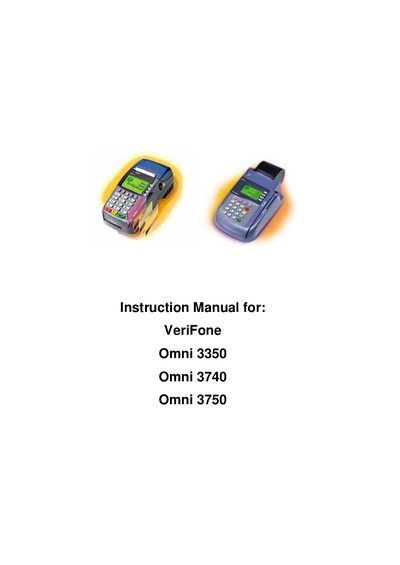

VeriFone Omni 3350/3740/3750 Terminal User Manual - cover page
Brand
VeriFone
Document type
User Manual
Language
IS
Pages
33
File format
PDF
File size
2.9 MB
Published
15 October, 2026
Updated
15 October, 2026
MD5 checksum
A96EE66B50AE043585FFC4FD92D623C5

About this manual

This document is the user instruction manual for the VeriFone Omni series of payment terminals, specifically models 3350, 3740, and 3750. It details how to connect the device to power and telephone lines, install thermal paper rolls, and perform various financial transactions.

What's inside

  • Telephone Line Connections
  • Connection with electricity
  • To Install a Paper Roll
  • Omni Terminal Features (Front Panel)
  • To Conduct a Credit/Debit Card Transaction
  • Processing Sale
  • Special incidents in sale
  • Process voiding
  • Process sending
  • Process Refund

Specifications

Power Requirement240V ~ electricity outlet
Paper Width Limit58 mm or less
Paper Diameter Minimum12 mm

Frequently asked questions

What cards does the Omni terminal accept?

The terminal accepts MAESTRO, MASTERCARD, VISA, and VISA ELECTRON debit or credit cards.

What happens if the printer has no paper?

The green LED indicator on the terminal will flash on and off.

Download PDF (2.9 MB)

More VeriFone Manuals


View all VeriFone manuals →