
Rheem Smart应用程序允许用户通过智能手机或平板电脑控制他们的Rheem电热水器。该应用程序可以从App Store或Google Play Store下载。
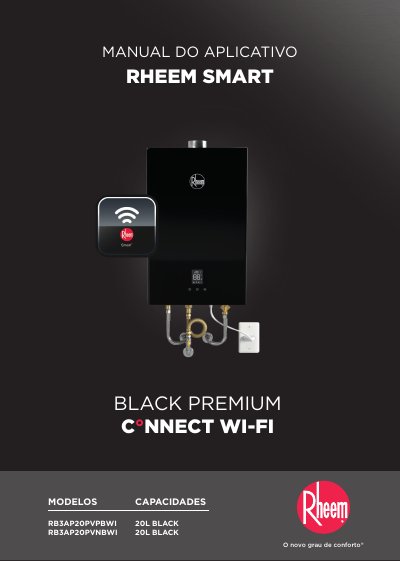
Rheem Smart app manual for the RB3AP20PVPBWI and RB3AP20PVNBWI 20 L black water heaters. It explains how to download and register the app, add and pair a heater, and use the main screen.
The app provides gas consumption data, real-time water temperature, water flow, and usage time. It also includes temperature adjustment from 35 to 65 °C and special modes such as Baby, Pet, Summer, Winter, heavy cleaning, and Custom. This manual is written in Portuguese.
| Capacity | 20 L |
|---|---|
| Temperature adjustment range | 35 to 65 °C |
| Wi-Fi band | 2.4 GHz |
Search for "Rheem Smart" in the App Store or Google Play Store, then download and install it.
A 2.4 GHz Wi-Fi network is required.
The temperature can be adjusted from 35 to 65 °C.
With the heater display off, press the temperature arrows simultaneously until the Wi-Fi icon appears and starts blinking, then turn on the display.