
Lenovo notebook is a multifunctional notebook that can meet your various needs in work, study and entertainment. It has the following features:
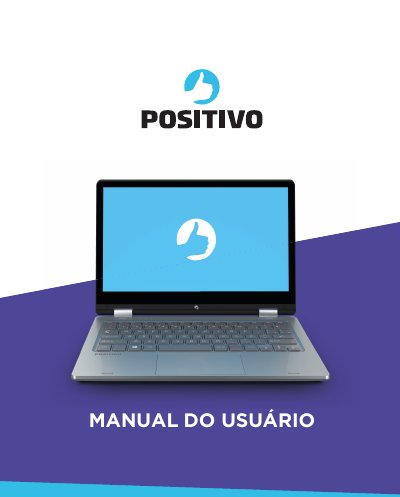
This manual provides instructions for the Positivo Duo notebook, a flexible device designed for desktop and portable use. It guides users through unboxing, initial setup, and basic operations such as connecting to power, using the touchscreen, and adjusting display settings. The document emphasizes the importance of using the provided AC adapter to protect the battery. This manual is written in Portuguese.
| Processor | Intel Celeron |
|---|---|
| Display | 11.6 inch HD or FHD IPS Touchscreen |
| Touchscreen | Supports up to 10 simultaneous touches |
| Graphics | Intel HD Graphics |
| USB Ports | 2 ports (1 USB 2.0, 1 USB 3.0) |
| Memory Card Reader | micro SD |
| Wireless LAN | Internal module |
| Bluetooth | Internal module |
| Video Output | Mini HDMI |
Wait for the battery to reach at least 4% before turning it on. If it still does not turn on, press the power button for 16 seconds to reset the system.
Press and hold the Fn key, then press F10 to decrease brightness or F11 to increase it.
Press and hold the Fn key and then press the NumLk key to activate the numeric keypad.