
Key facts
- Manuals
- 4
- Languages
- PT
- Last added
- 2023-11-18
Featured Positivo manuals
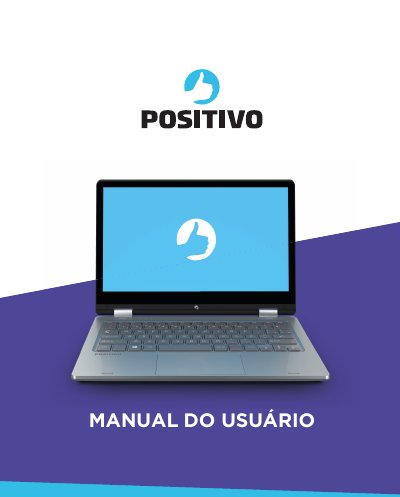
Positivo Duo Notebook User Manual
This manual provides instructions for the Positivo Duo notebook, a flexible device designed for desktop and portable use. It guides users through unboxing, initial setup, and basic operations such as connecting to power, using the touchscreen, and adjusting display settings. The document emphasizes the importance of using the provided AC adapter to protect the battery. This manual is written in Portuguese.
Covers: Desembalando o seu notebook · Características de desempenho · Visualização do seu notebook · LED indicador de status · Conectando à energia CA · Ligando e desligando o notebook
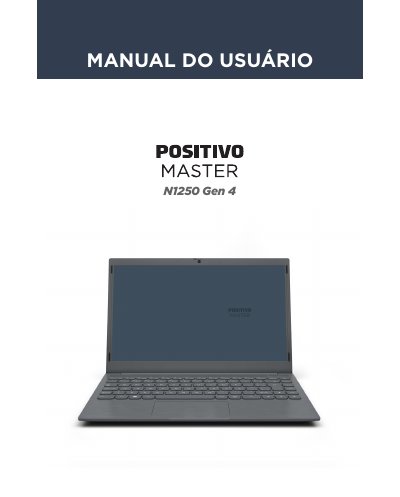
Positivo N1250 Gen 4 Notebook User Manual
This manual provides instructions for the Positivo Master N1250 Gen 4 notebook, detailing the contents of the package and the physical layout of the device including ports and indicators. It guides users through initial setup, operating the Windows 11 system, and utilizing hardware features such as the touchpad, keyboard, and audio/video connections. This manual is written in Portuguese.
Covers: Conteúdo da Embalagem · Seu Notebook · Ligando o produto pela primeira vez · Sistema Operacional · Áudio e Vídeo · Teclado e Funções
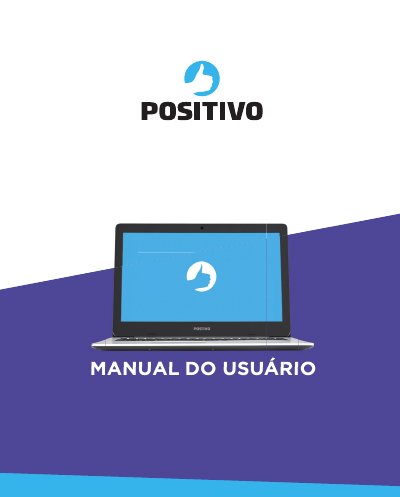
Positivo Motion Notebook User Manual
This manual provides instructions for the Positivo Motion notebook, including unpacking, connecting to power, and using the device. It details the performance characteristics such as the Intel Core i3/i5/i7 processors, 15.6-inch LED LCD screen, and integrated video controller. This manual is written in Portuguese.
Covers: Desembalando o seu notebook · Características de desempenho · Visualização do seu notebook · LED indicador de status · Conectando à energia CA · Ligando o seu notebook
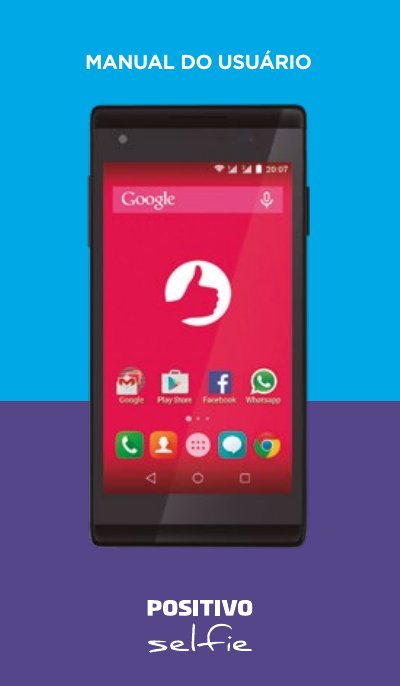
Positivo S455 Smartphone User Manual
This document is the user manual for the Positivo S455 smartphone. It provides instructions on safety, setting up the device for the first time, and using basic functions such as making calls, managing contacts, and using applications. This manual is written in Portuguese.
Covers: Safety Instructions · Getting to Know Your Smartphone · Preparing Your Phone for First Use · Home Screen and Basic Functions · Applications · Connectivity
Latest Positivo manuals
Positivo Duo Notebook User Manual
User Manual 21 pages · 3.7 MB · PTUser manual for the Positivo Duo notebook, covering setup, operation, energy management, and troubleshooting instructions.
Positivo N1250 Gen 4 Notebook User Manual
User Manual 18 pages · 2.1 MB · PTUser manual for the Positivo N1250 Gen 4 notebook, covering setup, Windows 11 usage, hardware features, battery management, and troubleshooting.
Positivo Motion Notebook User Manual
User Manual 40 pages · 3.5 MB · PTUser manual for the Positivo Motion notebook covering setup, usage, energy management, and troubleshooting.
Positivo S455 Smartphone User Manual
User Manual 46 pages · 829 KB · PTUser manual for the Positivo S455 smartphone, covering setup, usage, and troubleshooting instructions.
Which document do I need?
User Manual
Day-to-day operation, settings and troubleshooting. Start here if the product is already set up.
Questions answered in Positivo manuals
What should I do if the notebook does not turn on after connecting the charger?
Wait for the battery to reach at least 4% before turning it on. If it still does not turn on, press the power button for 16 seconds to reset the system.
How do I adjust the brightness of the LCD screen?
Press and hold the Fn key, then press F10 to decrease brightness or F11 to increase it.
What is included in the package?
The package includes the notebook, a power adapter with power cord, and a quick guide plus warranty certificate.
How do I reset the system if the notebook does not turn on?
If the equipment does not turn on after waiting, press the power button for 16 seconds to reset the system.
How do I connect the notebook to AC power?
Ensure the notebook is off, connect the DC power cable to the side input, and plug the AC cable into the power network.
How do I turn on the notebook for the first time?
After connecting the power adapter, wait for the LED to light up, then press the power button to start the configuration process.