
This document describes how to use the N1250 Gen 4 notebook, including how to turn it on, connect to a network, install applications, use audio and video, use the keyboard and touchpad, and manage power.
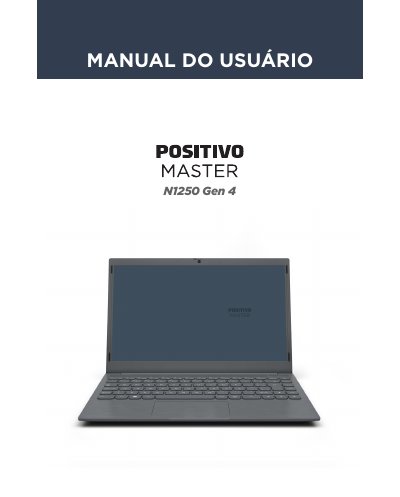
This manual provides instructions for the Positivo Master N1250 Gen 4 notebook, detailing the contents of the package and the physical layout of the device including ports and indicators. It guides users through initial setup, operating the Windows 11 system, and utilizing hardware features such as the touchpad, keyboard, and audio/video connections. This manual is written in Portuguese.
| Processadores | Intel Gemini Lake e Gemini Lake Refresh |
|---|---|
| Memória RAM | 4 GB / 8 GB DDR4, onboard |
| Armazenamento | 64/128GB Flash ou HDD até 1TB ou SDD até 512GB 2.5" |
| Tela | 14" Widescreen, resolução 1366x768 HD |
| Webcam | 720p |
| Rede | IEEE 802.11 b/g/n/ac e Bluetooth 4.0/5.1 |
| Carregador | 100~240V Automático, 24W |
| Bateria | 29.7Wh (Integrada) |
| Dimensões | 329 x 220 x 18.7 mm |
The package includes the notebook, a power adapter with power cord, and a quick guide plus warranty certificate.
If the equipment does not turn on after waiting, press the power button for 16 seconds to reset the system.
Yes, the power adapter is automatic and can be connected to either 110V or 220V networks.