
The TruVu™ ET display is an innovative touchscreen device designed for use in harsh environments. It features a rugged design that can withstand extreme temperatures, dust, and moisture. The TruVu™ ET display also features a high-brightness display that is easy to read, even in direct sunlight.
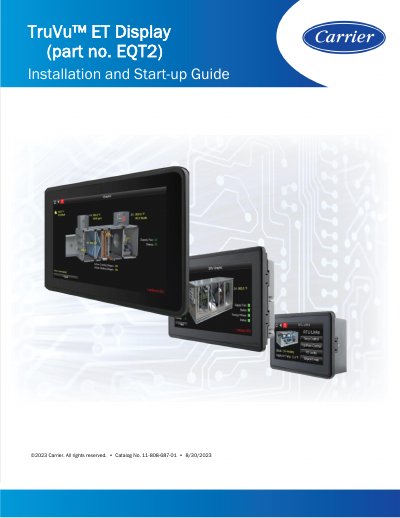
The Carrier TruVu ET display is a touchscreen device designed to attach to Carrier Open controllers to view or change property values, schedule equipment, and view trends and alarms without accessing the system server. The document provides instructions for mounting the unit on a wall or panel, including specific punchout sizes and VESA mounting options.
| Power Input | 24 Vdc, 1.0A |
|---|---|
| Display Resolution | 4.3" TFT 480 x 272 pixels |
| Operating Temperature | -4°F to 140°F (-20°C to 60°C) |
| Touch Technology | Projected Capacitive Multi-Touch |
The part number for the TruVu ET display is EQT2.
Yes, it can share a power supply as long as the source is DC power, polarity is maintained, and it is used only for Carrier controllers.
The TruVu ET display must be within 500 feet (152 meters) of the controller for Rnet configuration.