
Hikvision WV-NS950/G, WV-NS954E, WV-NW960/G, WV-NW964E Network Camera Configuration Manual

This manual describes the setup and operation of Panasonic WV-NS950/G, WV-NS954E, WV-NW960/G, WV-NW964E network cameras.
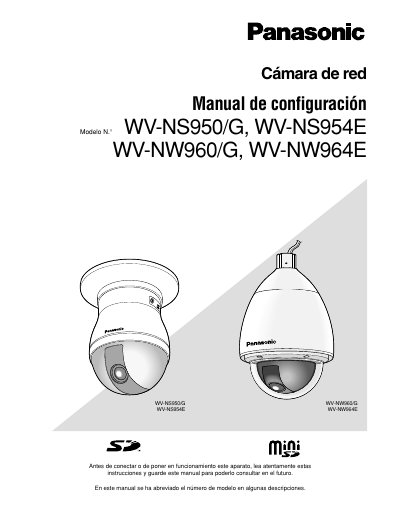

Hikvision WV-NS950/G, WV-NS954E, WV-NW960/G, WV-NW964E Network Camera Configuration Manual - cover page
Brand
HIK VISION
Category
Security Software
Document type
User Manual
Language
Spanish
Pages
77
File format
PDF
File size
6.4 MB
Published
17 November, 2023
Updated
17 November, 2023
MD5 checksum
3AB13F07753B9F5C24CF64FB36C321F4

About this manual

This manual provides instructions for configuring Hikvision WV-NS950/G, WV-NS954E, WV-NW960/G, and WV-NW964E network cameras using a PC via a network. It covers the operation of the configuration menu, including basic settings, camera image and sound adjustments, multi-screen settings, alarm settings, VMD area settings, and authentication settings. This manual is written in Spanish.

What's inside

  • Prefacio
  • Visualice el menú de configuración
  • Configure los ajustes básicos de la cámara
  • Configure los ajustes relacionados con las imágenes y el sonido
  • Configuración de los ajustes de pantalla múltiple
  • Configure los ajustes de alarma
  • Ajuste las áreas de VMD
  • Configure los ajustes relacionados con la autenticación
  • Configure los ajustes de los servidores
  • Configuración de los ajustes de la red

Frequently asked questions

What is the purpose of this manual?

This manual describes how to operate the product using a PC through a network and how to configure its settings.

What software is required to view the camera images?

The images will not display unless the PC has the "Network camera View3" viewer software installed.

Which user access level is required to operate the configuration menu?

Only users with an access level of "1. Administrador" can operate the configuration menu.

Download PDF (6.4 MB)

More HIK VISION Manuals


View all HIK VISION manuals →