
The Dell™ OptiPlex™ 780 Desktop Service Manual provides information on how to use and maintain your Dell™ OptiPlex™ 780 Desktop.
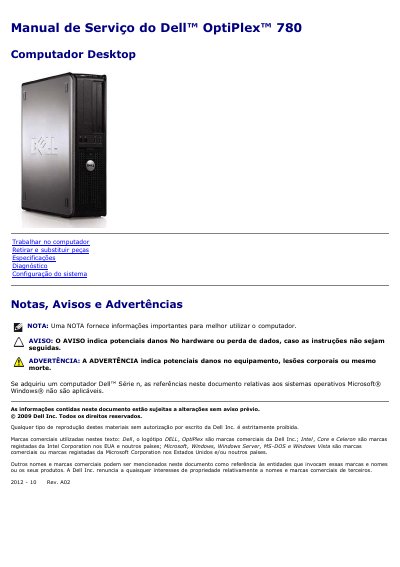
This service manual is for the Dell OptiPlex 780 desktop computer. It covers safety precautions, recommended tools, shutdown steps, removal and replacement of components, specifications, diagnostics, and system setup.
The specifications section lists processor, memory, expansion bus, video, audio, network, storage, connectors, physical, and environmental characteristics. The manual text is in Portuguese. This manual is written in Portuguese.
| Processor types | Intel Core 2 Duo, Core 2 Quad, Pentium Dual Core, Celeron |
|---|---|
| L2 cache | At least 512 KB, eight-way set associative SRAM |
| Memory type | SDRAM DDR3 (non-ECC only) |
| Memory speed | 1067 MHz |
| Memory connectors | Four |
| Memory capacity options | 1 GB, 2 GB or 8 GB non-ECC |
| Minimum memory | 1 GB |
| Maximum memory | 16 GB |
| Integrated video | Intel Graphics Media Accelerator X4500, up to 256 MB shared video memory |
| Chipset | Intel Q45 Express with ICH10DO |
| BIOS chip | 64 Mb NVRAM |
| Network interface | Integrated Intel 10/100/1000 Mb/s |
| Rear USB connectors | Six |
| Video connectors | One 15-pin VGA and one 20-pin DisplayPort |
A small flat-blade screwdriver, a Phillips screwdriver, a small plastic scribe, and a BIOS flash update program CD.
The maximum supported memory is 16 GB.
There are two in the mini-tower, one in the desktop, and one in the small form factor.
Shut down through the operating system: in Windows Vista use Start and then Shut down, and in Windows XP use Start, Shut Down Computer, then Shut Down.