
The QSF210 is a TV wall mount that can be installed on wood studs or concrete walls. It is compatible with most TVs and comes with all the necessary mounting hardware.
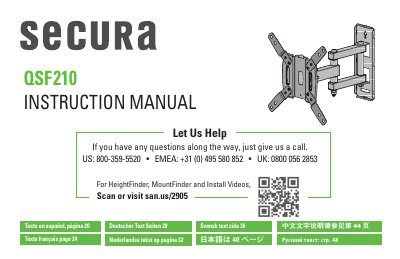
This manual provides installation instructions for the Sanus QSF210 TV wall mount, including required tools, supplied hardware, TV bracket assembly, and wall plate installation for wood stud or concrete walls.
It also states safety cautions, maximum supported TV weight, wall requirements, pilot hole details, and the mount's tilt and swivel ranges.
| Maximum TV weight | 25 lbs (11.3 kg) |
|---|---|
| Tilt range | 16° down, 4° up |
| Swivel range | 30° left and right |
| Wood stud pilot hole depth | 2 3/4 in (70 mm) |
| Wood stud pilot hole diameter | 7/32 in (5.5 mm) |
| Drywall thickness limit | 5/8 in (16 mm) maximum |
The mount is intended for TVs and accessories weighing no more than 25 lbs (11.3 kg).
It is designed for wood stud, solid concrete, and concrete block walls; do not install into drywall alone.
The mount provides 16° down tilt and 4° up tilt.
The mount provides 30° swivel left and right.