
The Sanus CAFC01 fan accessory installs in a 19-inch rack and connects to the CAPT01 multi-volt power supply for continuous or thermostat-controlled cooling.
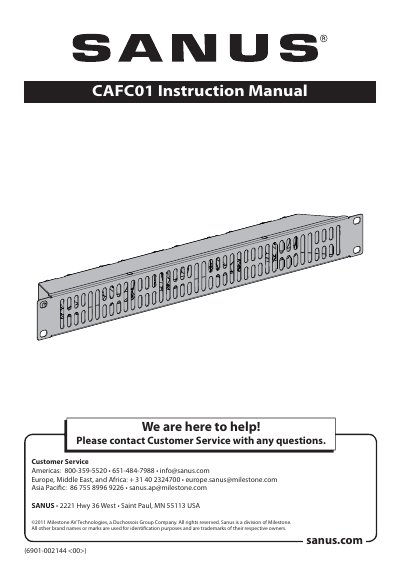
The Sanus CAFC01 is a 1U rack-mount fan accessory designed for any 19-inch (48.26 cm) rack. It requires the CAPT01 SANUS EcoSystem™ Multi-volt Power Supply for operation, drawing 12V 0.5A total power. The fan can be set to run continuously or be thermostat-controlled by selecting the appropriate power jack on the CAPT01 unit.
Installation uses four 10-32 x ¾ in. screws (not included) to mount the fan on the front rack rails above heat-generating components. The package includes the fan unit and a power cord. The product is covered by a five-year warranty against manufacturer's defects, and all doors and accessories must be grounded for safety.
| Total Power | 12V 0.5A |
|---|
It requires 12V 0.5A power from the CAPT01 power supply.
Mount the fan at any 1U location on the front rack rails above a component using four 10-32 x ¾ in. screws.
Yes, by plugging the power cord into a THERMOSTAT CONTROLLED jack on the CAPT01 power supply.
It is covered by a five-year product warranty against manufacturer's defects.