
VLF728-B2 VLF728-S2 INSTRUCTION MANUAL GET IT RIGHT THE FIRST TIME Follow this step-by-step instruction manual to speed up your installation.
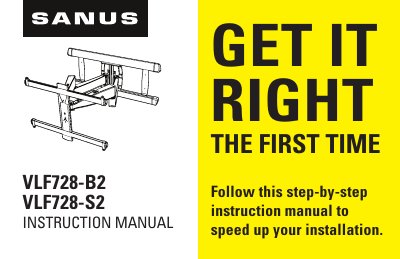
The SANUS VLF728-B2 and VLF728-S2 are full-motion TV wall mounts designed for indoor installation on wood studs, solid concrete, or concrete block. They support TVs up to 105 lbs (47.6 kg) with VESA mounting patterns from 100×100 mm to 600×400 mm.
The manual provides step-by-step instructions for selecting hardware, attaching brackets to the TV, installing the wall plate and arm assembly, routing cables, and adjusting tilt, swivel, and extension. It includes safety warnings, required tools, troubleshooting tips, and dimensional drawings.
| Extension Range | Minimum 7.87 in (200 mm), Maximum 23.62 in (600 mm) |
|---|---|
| Swivel Range | 57° left/right |
The arm extends from a minimum of 7.87 in (200 mm) to a maximum of 23.62 in (600 mm).
The maximum TV weight limit is 105 lbs (47.6 kg) including accessories.
This mount can only be installed into wood studs, solid concrete, or concrete block; drywall alone will not hold the weight.
The TV can tilt 5 degrees up and 15 degrees down.