
HIWIN E1 Series Servo Drive Thunder Software Operation Manual

Thunder software is a human-machine interface for E1 series servo drives.
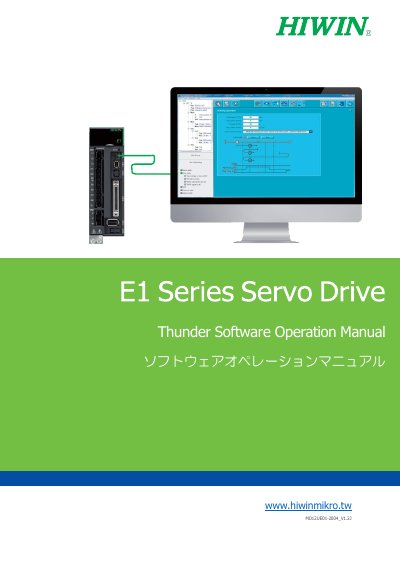

HIWIN E1 Series Servo Drive Thunder Software Operation Manual - cover page
Brand
Hiwin
Category
Industrial Robot
Document type
User Manual
Language
Japanese
Pages
64
File format
PDF
File size
5 MB
Published
17 November, 2023
Updated
17 November, 2023
MD5 checksum
4E9DED167A359D16471B971B8189D6FC

About this manual

The Thunder Software is a human-machine interface designed specifically for the HIWIN E1 Series servo drives. It allows users to perform parameter setup, data loading and saving, test runs, tuning, and monitoring. The software supports various motor types, including AC servo motors, DD motors/torque motors, and linear motors. This manual is written in Japanese.

What's inside

  • Thunder Software Overview
  • Installation and Communication
  • Main Window Functions
  • Test Run
  • Configuration Wizard
  • Parameters Setup
  • Homing Operation
  • Performance Monitor
  • PDL
  • Multi-motion Setting

Frequently asked questions

What product is the Thunder Software designed for?

The Thunder Software is a human-machine interface designed for the E1 Series Servo Drive.

What type of cable is required to connect the drive to the PC?

You must connect the drive (CN3) and the PC using a mini USB cable.

What happens when the communication setup is successful?

The main window displays the firmware version, drive wattage, and operation mode in the left information field.

Download PDF (5 MB)

More Hiwin Manuals


View all Hiwin manuals →