
The Marshall GPS is a powerful tool that can help you improve your falconry. It can help you track your falcon's location and provide information on its activities.
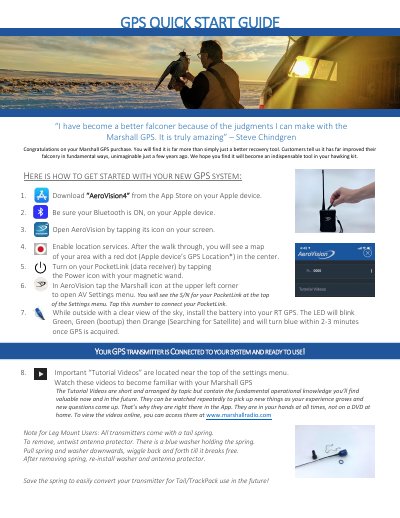
This guide introduces the Marshall RT GPS, a recovery tool designed to improve falconry by tracking bird transmitters. It outlines the initial setup process, which involves downloading the AeroVision4 app on a compatible Apple device and connecting the PocketLink data receiver via Bluetooth.
The document provides instructions for installing the battery and acquiring a GPS signal, noting that the LED indicator changes from green to orange to blue upon satellite acquisition. It also details the removal of the tail spring for leg mount users and lists compatible devices, including specific iPad and iPhone models.
| Compatible Devices | iPad Air and newer, iPad Mini Gen 2 and newer, iPhone 6 and newer |
|---|---|
| GPS Acquisition Time | 2-3 minutes |
| Live Statistics Display | Up to 2 on smaller phones, 4 on larger phones and iPads |
You must download the AeroVision4 app from the App Store on your Apple device.
No, a cellular data connection is not required; an internet connection is only needed when downloading maps.
Untwist the antenna protector, pull the spring and washer downwards, wiggle back and forth until it breaks free, then re-install the washer and protector.